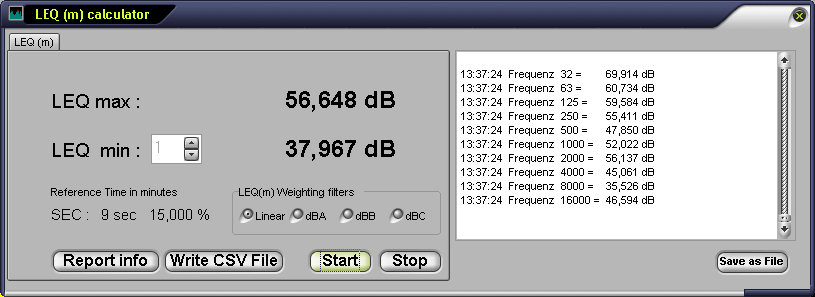
Leq (m) movie calculator
Choose between 1 minute up to 60 minutes. The Leq Calculator shows you the Leq max and the actual Leq (m) dB values. It shows you also the Leq from the 10 frequenies. You can create a CSV file to load it in Excel or save the whole protocol in a text file.
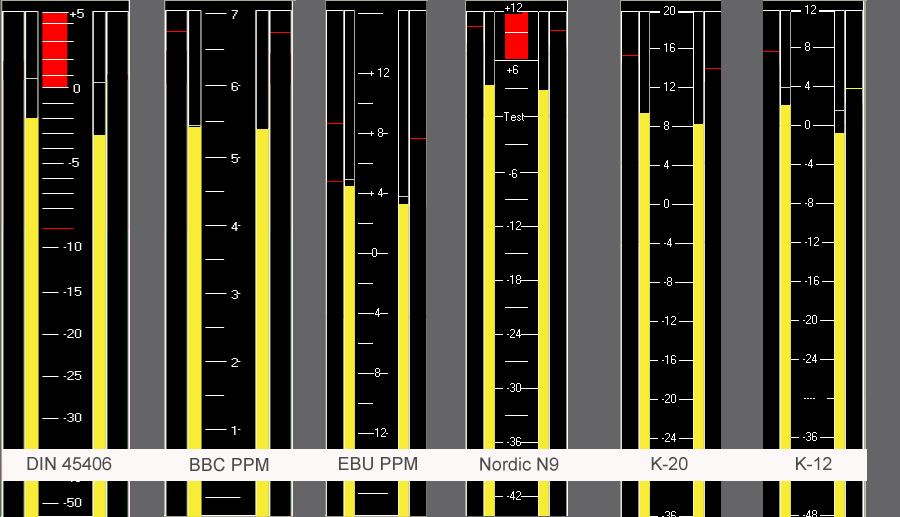
Meter Balistic
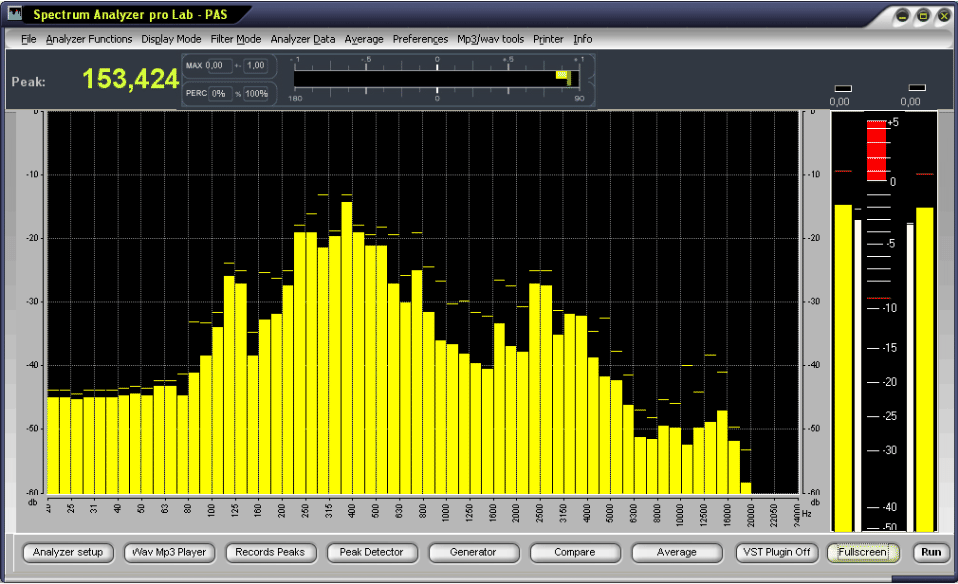
Spectrum Analyzer pro 4.5 can be configured in a number of different ways, to accurately model the ballistics, responses and graphics of a wide range of standard peak programme meters. These meters currently include the following:
Reference level: 0 dBFS: Refers to the default adjustment. -18dBFS or + -20 dB: Television companies and audio post-productions work with this reference level. This means precisely:
-18 dBFS for the DIN 45406 norm = -9 dB
-18 dBFS for the Nordic norm = 0 dB / Test
-18 dBFS for the BBC norm = PPM 4
-18 dBFS for the EBU norm = 0dB / Test
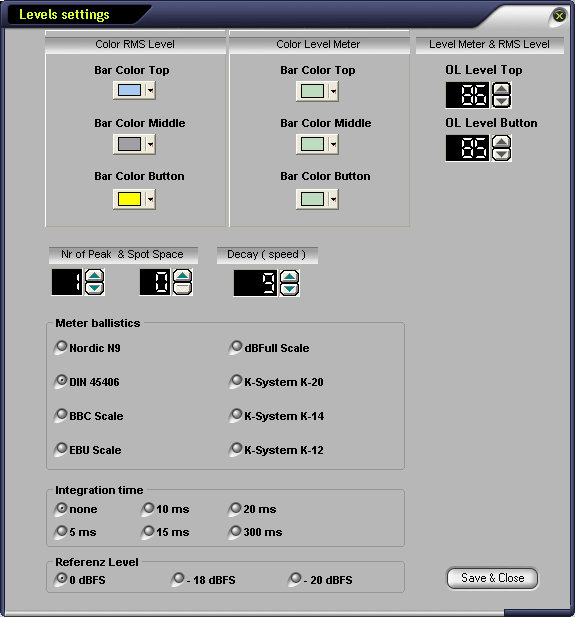
Integration time
Comparable with the attack time of a limiter. If "none" is activated, this means that the present peak value is shown in the shortest and most precise way. If 5ms to 20ms is activated, the display is reduced to a mathematically calculated average value; the analysis of the display is now easier for the human eye. The effective peak values can be metered via the function "Displays always dBFS".
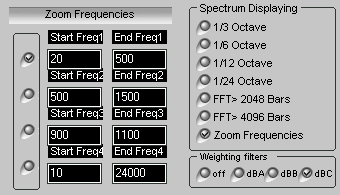
Zoom function
The frequency ranges of all four Frequency Zooms are user-configurable.The numbered Frequency Zooms (1 - 4) store ranges for the frequency (X) axis of the analyzer plots that can be recalled with a single keystroke Crtl & F9- Crtl &F12. You can control the -3dB Values of the Bars.
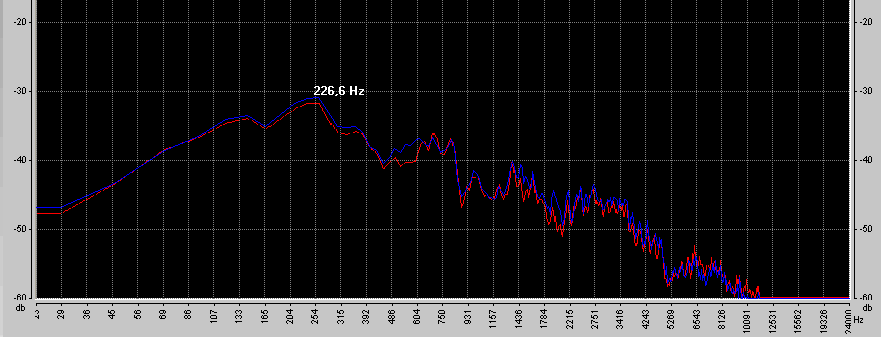
Average function
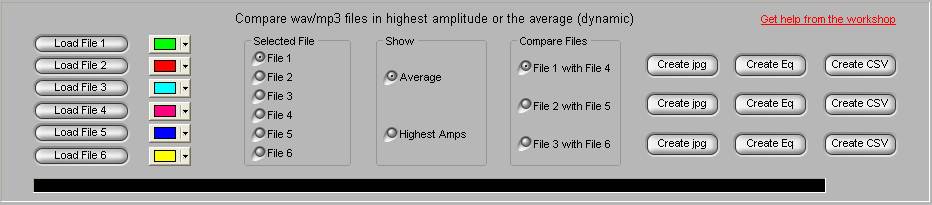
The Spectrum Analyzer can scan a wave or mp3 file, then calculate the average of all bars (amplitude) for the elapsed play time.
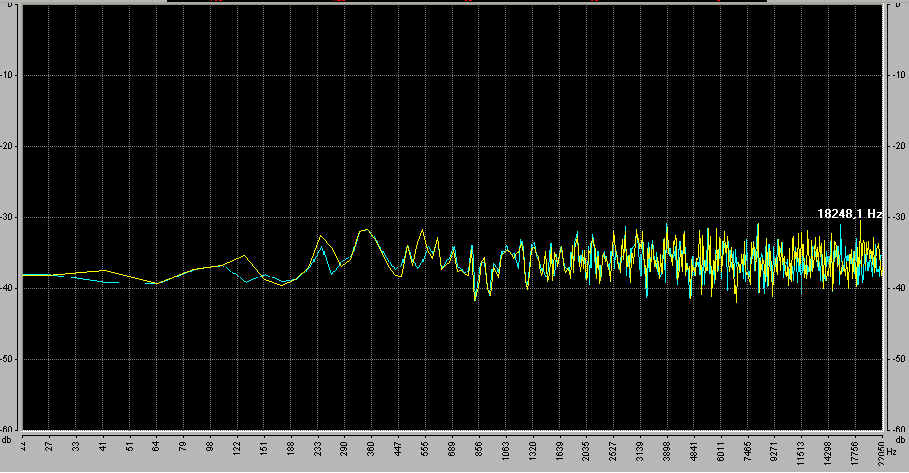
For example, if you have a 10 sec audio file, with a sampling rate of 44100 Hz, using an FFT of length 4096, there will be 901,120 different values. The program calculates the average value of each bar, then displays it. When the entire file has played, you will see the average off all bars over the entire time. In other words you can see the dynamics of the sound file.
It is also possible to compare results between files. You may load and compare up to 6 files using the Compare Files dialog box.
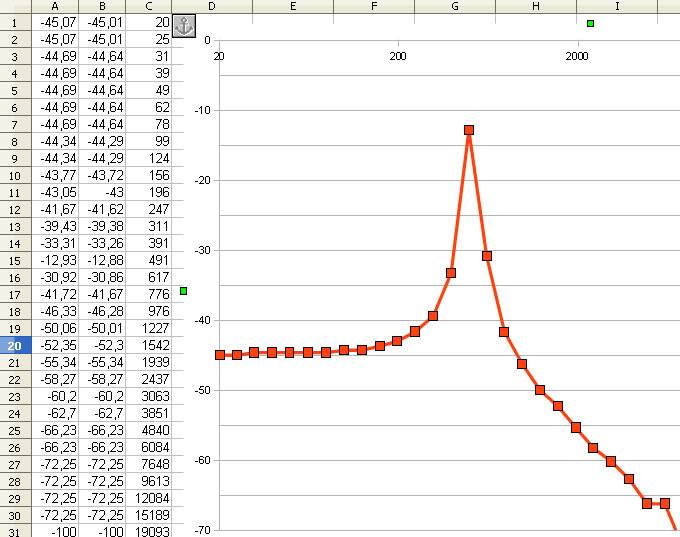
Create a CSV File and use it in Excel
Background module